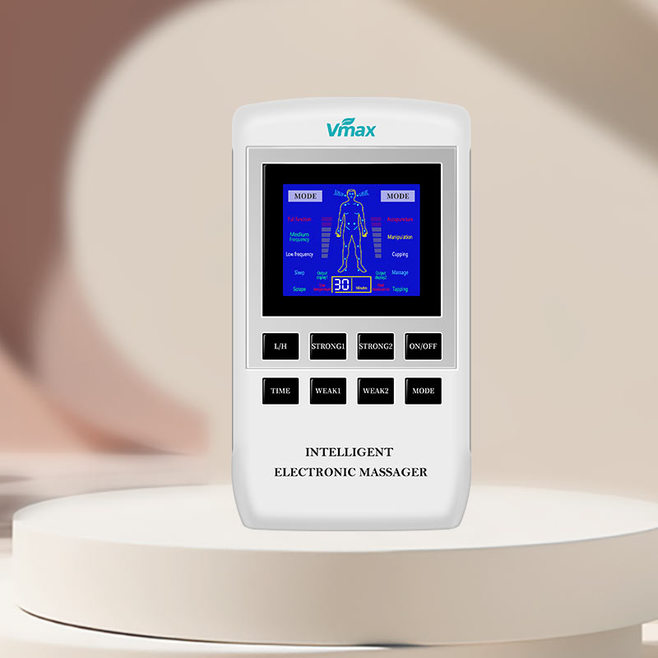
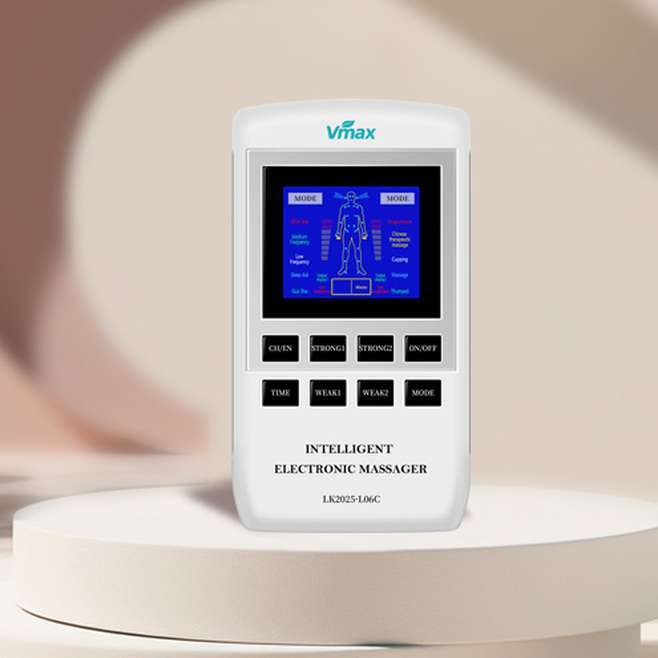
Intelligent Electronic Massager
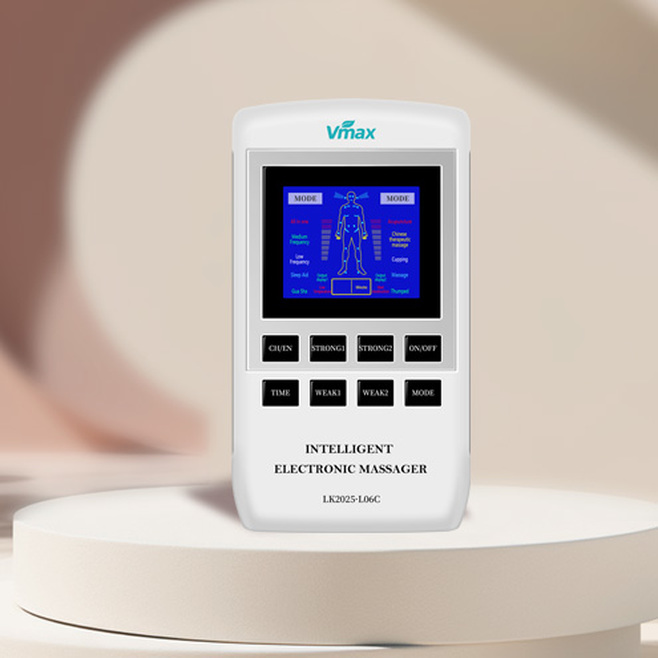
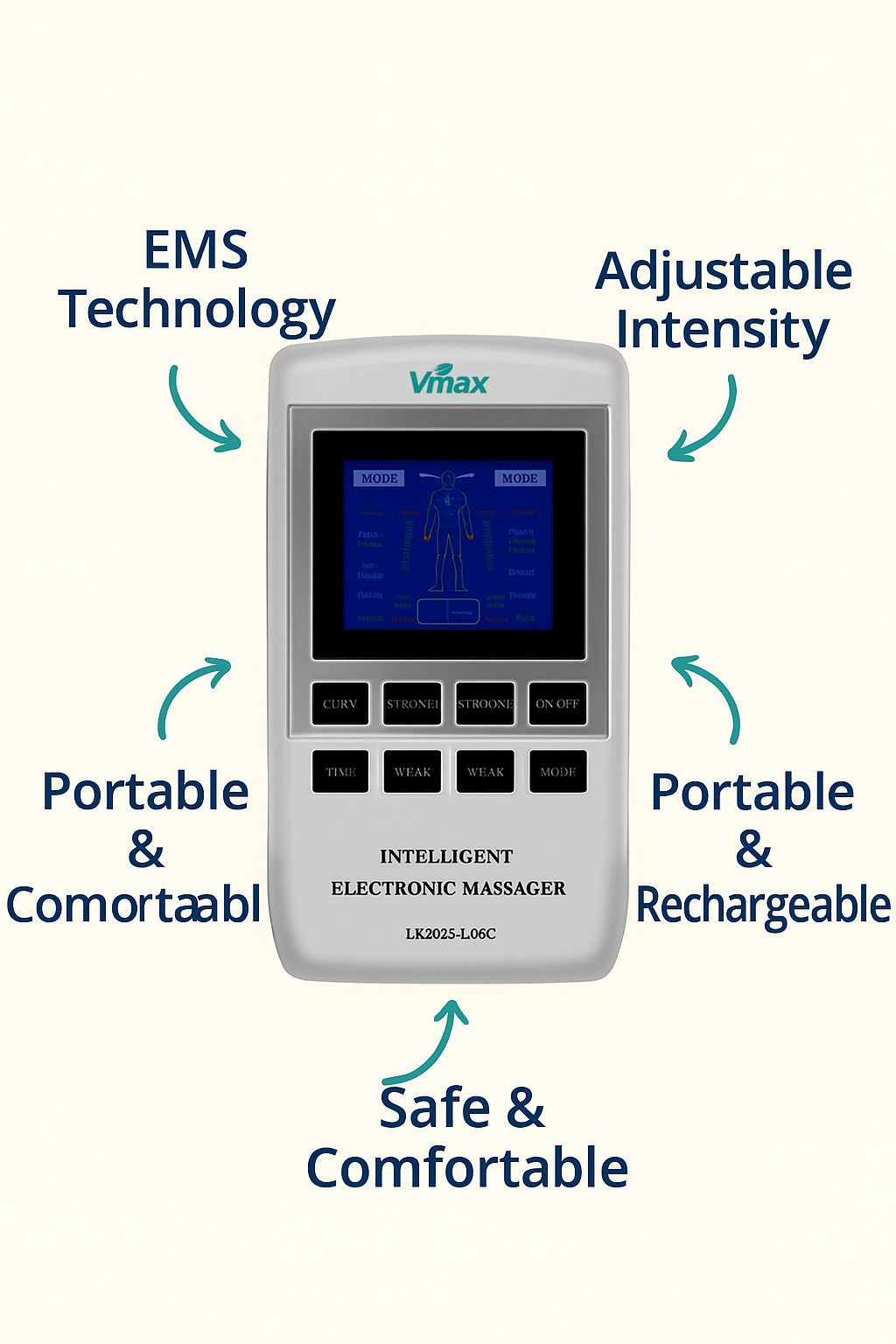
Simple controls with LED display for easy operation.
₦156,000.00
Product Description
Advanced Relief at Your Fingertips
Your Personal Massage Therapist Anytime, Anywhere
Experience the power of advanced muscle therapy with the Vmax Intelligent Electronic Massager, designed to relieve pain, reduce stress, and enhance relaxation from the comfort of your home or office. Whether you’re dealing with muscle tension from work, exercise fatigue, or daily stress, the Vmax massager offers a smart solution to soothe your body and refresh your mind.
Using state-of-the-art EMS (Electrical Muscle Stimulation) technology
The Vmax massager sends gentle electrical impulses through the skin to stimulate muscles, improve blood circulation, and ease tension. It replicates the techniques of professional massage therapy, helping to relieve pain, reduce muscle stiffness, and promote faster recovery.
With multiple massage modes and adjustable intensity levels
You can customize your massage experience to suit your personal needs. From tapping and kneading to acupuncture-style stimulation, the Vmax massager provides versatile options for both relaxation and therapeutic treatment.
Key Features
EMS Technology:
Targets deep muscle tissues to relieve pain and reduce stiffness.
Multiple Modes:
Customizable massage settings for various muscle groups.
Adjustable Intensity:
Personalize your massage from gentle to strong.
Portable & Rechargeable:
Compact design with USB charging for on-the-go relief.
User-Friendly Controls:
LED display with simple button navigation.
Safe & Comfortable:
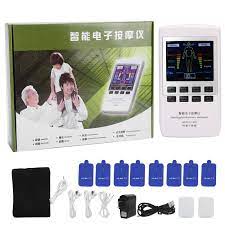
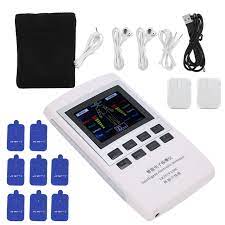
Comes with soft, skin-friendly electrode pads.
How To Use The Device
Step 1: Prepare the Device
Charge the massager fully before first use using the USB cable provided.
Clean the area of your skin where you will place the pads.
Step 2: Attach the Pads
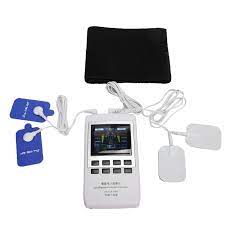
Connect the electrode pads to the massager using the wires.
Stick the adhesive pads firmly onto the target area (neck, shoulders, back, arms, legs, etc.).
Step 3: Turn On the Device
Press the ON/OFF button to power on the device.
The LED screen will light up.
Step 4: Select a Mode
Press the MODE button to choose your preferred massage mode (e.g., kneading, tapping, acupuncture, etc.).
The screen will display the selected mode.
Step 5: Adjust Intensity & Time
Use the STRONG/WEAK buttons to adjust the intensity level.
Set the massage time according to your preference.
Step 6: Start the Massage
Relax and enjoy the therapy session.
The device will automatically stop when the time is up.
Step 7: Turn Off & Clean
Press the ON/OFF button to turn off the device.
Remove the pads gently and clean them as instructed to maintain stickiness.
Store the device in a cool, dry place.
Note:
Use the massager on clean, dry skin.
Do not use on open wounds or if you have a pacemaker.
Follow all safety instructions in the user manual.


There are no reviews yet.